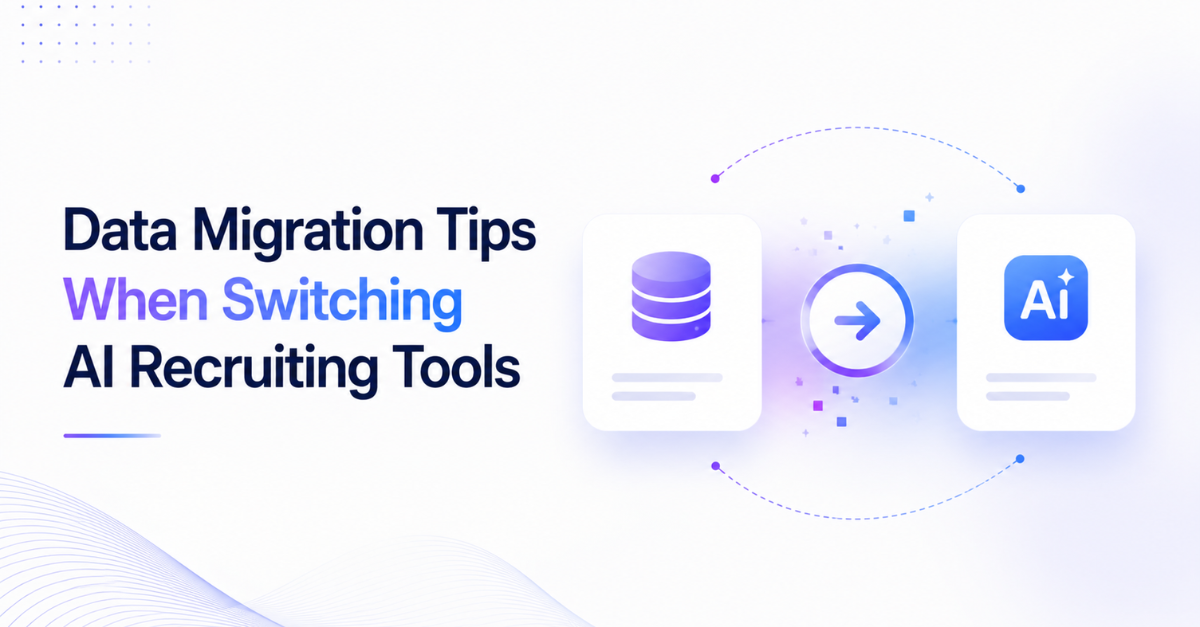
Switching AI recruiting tools often looks like a simple technology upgrade.
Export the data. Import it into the new platform. Continue hiring.
But recruiting data is not just information stored in a database.
It represents:
Candidate relationships
Recruiter knowledge
Hiring history
Communication context
Workflow intelligence
A poor migration can create hidden problems:
Lost candidate history
Duplicate profiles
Broken workflows
Recruiter frustration
Lower AI performance
The goal of a successful AI recruiting software migration is not moving records.
It is moving your entire recruiting intelligence system.
Modern recruiting teams are moving from:
Disconnected tools → Integrated AI workflows → Agentic AI recruiting infrastructure
Key Takeaways
Recruiting data migration is more than exporting and importing files.
Candidate context and workflow history are valuable assets.
Data quality directly impacts AI performance.
Migration should include processes, automations, and recruiter workflows.
The right AI platform should preserve intelligence, not just information.
Why Data Migration Matters When Switching AI Tools
Migration Is More Than Moving Files
Traditional software migration focuses on:
Databases
Fields
Records
Attachments
Recruiting migration requires more.
A candidate profile without context is incomplete.
Important recruiting intelligence includes:
Previous conversations
Candidate preferences
Interview history
Recruiter notes
Engagement patterns
This information helps recruiters make better decisions.
Protecting Recruiting Intelligence
Over time, recruitment teams build valuable knowledge.
Example:
A recruiter may know:
Which candidates responded previously
Which roles they considered
Why they rejected an offer
When they may be open to opportunities
If this context disappears during migration, teams lose years of relationship-building.
A successful migration preserves:
Data + Context + Workflow
Common Data Migration Mistakes
Mistake 1: Migrating Without Cleaning Data
Many teams move everything without reviewing their database.
This creates:
Duplicate candidates
Outdated profiles
Incorrect information
Poor AI recommendations
Before migration, review:
Duplicate records
Incomplete profiles
Old candidates
Invalid contact details
Clean data creates better AI outcomes.
Mistake 2: Moving Records but Losing Context
A resume alone is not enough.
Recruiting systems contain hidden value:
Data Type
Why It Matters
Candidate profile
Understand experience
Communication history
Maintain relationships
Recruiter notes
Preserve knowledge
Hiring stages
Maintain pipeline
Interview records
Keep decisions visible
Migration should move the full candidate journey.
Mistake 3: Ignoring Existing Workflows
Recruiters do not just use databases.
They follow processes.
Examples:
Candidate sourcing workflow
Outreach sequences
Follow-up schedules
Screening process
Interview coordination
A migration that only moves data forces teams to rebuild everything manually.
What Recruiting Data Should You Migrate?
Candidate Profiles
The foundation of any recruiting system.
Migrate:
Name
Contact details
Resume
Skills
Experience
Location
Preferences
This enables AI matching and candidate discovery.
Candidate Engagement History
Relationship data is critical.
Include:
Emails
Messages
Outreach history
Response status
Communication preferences
This helps recruiters continue conversations naturally.
Pipeline Information
Moving candidates without pipeline context creates confusion.
Preserve:
Current hiring stage
Role association
Status
Ownership
Priority
Example:
A candidate who reached the final interview stage should not appear as a fresh lead after migration.
Recruiter Knowledge
Recruiters often store valuable information outside candidate profiles.
Migrate:
Notes
Tags
Evaluations
Internal comments
Hiring feedback
This protects team knowledge.
AI Recruiting Software Migration Checklist
Step 1: Audit Existing Data
Before migration:
Review:
What data exists?
What should move?
What can be removed?
Create categories:
Category
Action
Active candidates
Migrate
Recent candidates
Review
Duplicate records
Clean
Old inactive data
Archive
Step 2: Map Data Fields
Different platforms structure information differently.
Create a data mapping plan.
Example:
Old Platform
New Platform
Candidate name
Candidate profile
Recruiter notes
Candidate intelligence
Pipeline stage
Hiring workflow
Messages
Engagement history
This prevents information loss.
Step 3: Validate Migration
Never assume the migration worked.
Test:
Candidate profiles
Search functionality
Workflow status
Recruiter access
A small error can affect thousands of records.
Preparing Your Data Before Migration
Remove Duplicates
Duplicate candidates create problems.
They can lead to:
Multiple outreach attempts
Poor candidate experience
Incorrect analytics
Use migration as an opportunity to improve database quality.
Standardize Information
AI works better with structured data.
Standardize:
Job titles
Skills
Locations
Experience levels
Candidate tags
Clean inputs improve AI outputs.
Avoiding Recruiter Disruption
A technology change affects people.
Poor migration planning can reduce productivity.
Create a Transition Plan
Before switching:
Train recruiters
Communicate changes
Define timelines
Assign migration owners
Run Parallel Testing
Before full rollout:
Test with:
Small teams
Sample candidate pools
Real workflows
Identify issues before company-wide adoption.
AI-Ready Data: The Future of Recruiting
AI systems depend on quality data.
Better data enables:
Better candidate matching
Smarter recommendations
Faster sourcing
More personalized engagement
The future recruiting stack will not just store information.
It will understand relationships between:
Candidates
Roles
Hiring managers
Workflows
From Data Migration to AI Transformation
Traditional migration:
Old tool → New tool
Modern AI migration:
Old workflows → Intelligent recruiting infrastructure
The next generation of recruiting platforms will combine:
Candidate intelligence
AI agents
Automation
Workflow execution
This creates recruiting operations where AI supports:
Find → Engage → Qualify → Coordinate → Hire
Migration Checklist
Before switching:
✅ Audit existing data
✅ Clean duplicates
✅ Backup important information
✅ Map fields
✅ Review workflows
✅ Test migration
✅ Train recruiters
✅ Measure adoption
After migration:
✅ Validate data quality
✅ Monitor workflows
✅ Improve AI usage
✅ Collect recruiter feedback
FAQ
1. How do you migrate recruiting software?
Recruiting software migration involves auditing existing data, cleaning records, mapping fields, transferring information, and validating workflows.
2. What data should recruiters migrate?
Teams should migrate candidate profiles, communication history, recruiter notes, pipeline stages, interview records, and workflow information.
3. How long does recruiting software migration take?
The timeline depends on database size, integrations, workflow complexity, and data quality.
4. How do you prevent data loss during migration?
Prevent data loss by creating backups, mapping fields carefully, testing transfers, and validating migrated records.
5. Should candidate data be cleaned before migration?
Yes. Cleaning duplicates and outdated records improves migration quality and AI performance.
6. What is ATS migration?
ATS migration is the process of moving recruiting data and workflows from one applicant tracking system to another.
7. Can AI recruiting tools migrate workflows?
Advanced AI recruiting platforms can help transition workflows, automation rules, and recruiting processes along with data.
8. What mistakes should companies avoid?
Avoid migrating without cleanup, ignoring workflow changes, skipping testing, and failing to train recruiters.
9. What is Agentic AI recruiting?
Agentic AI recruiting uses AI systems that execute multi-step recruiting workflows instead of only assisting with individual tasks.
10. How do you choose a future-ready recruiting platform?
Choose platforms that support:
Data intelligence
Workflow automation
AI execution
Recruiter collaboration
Scalability
Final Thoughts
Switching AI recruiting tools is not a database project.
It is an opportunity to upgrade how your recruiting operation works.
The teams that win will not just move their candidate records.
They will preserve and activate their recruiting intelligence.
The future belongs to companies building Agentic AI Recruiting Infrastructure where data, workflows, and AI agents work together to create faster, smarter hiring operations.
Related Topics
The Complete Checklist for Switching AI Sourcing Tools
Change Management for Recruiters: Adopting New AI Tools Smoothly